Most business owners we speak to are not short of Google Ads advice. They are short of a straight answer to one question: is the money I put into Google Ads coming back to me as profit?
Your agency sends a report full of clicks, impressions and “conversions”. Your sales team says the leads are poor. Your accountant sees a growing ad bill. Somewhere in the middle, nobody can say what a new customer from Google actually costs.
This guide is written for the person who signs the cheque, not the person who runs the account. You do not need to log into Google Ads to use it. You need about an hour, your sales numbers, and the nine checks below.
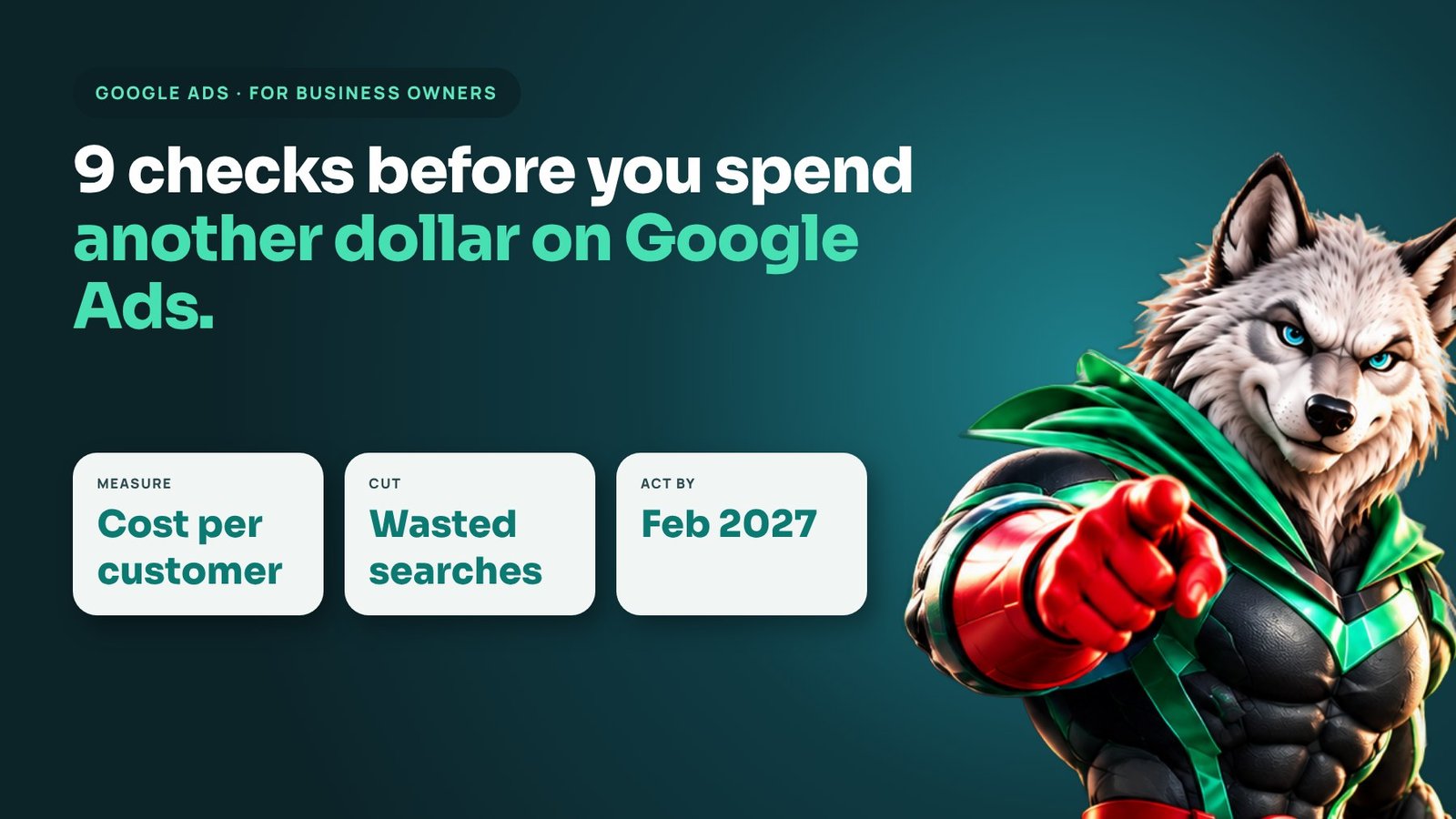
1. Know the only number that matters: cost per customer
Clicks are not customers. Leads are not customers. The number that tells you whether Google Ads works is:
Total ad spend + management fees ÷ number of paying customers from Google Ads = cost per customer.
Compare that with what a customer is worth to you. If the average customer brings in $3,000 of gross profit over the first year and costs you $600 to win, Google Ads is a good investment. If they cost $3,500, you are buying revenue at a loss, however good the click-through rate looks.
If nobody can give you this number, that is the first thing to fix. Everything else in this guide depends on it.
2. Check what Google is counting as a “conversion”
This is the most common problem we find in accounts we audit. Google’s automated bidding optimises towards whatever you tell it is a conversion. If that includes page views, button clicks, 10-second phone calls or newsletter sign-ups, Google will happily find you more of those, cheaply, and none of them pay your bills.
Ask your team or agency for the list of conversion actions and how each one is counted. A healthy setup for most lead-generation businesses counts:
- real form submissions (not just clicks on a “Contact” button)
- phone calls longer than about 60 to 90 seconds
- booked appointments or sales, imported from your CRM where possible
If your account counts everything as a conversion, your “cost per conversion” is meaningless and the bidding is aimed at the wrong target.
3. Look at the searches you are actually paying for
Google Ads shows you the real search terms that triggered your ads. Ask for the search terms report for the last 90 days and read the top 100 yourself. Business owners are often surprised by what they find: job seekers, students, people looking for free tools, DIY tips, or competitors’ brand names.
Each irrelevant search is money spent on someone who was never going to buy. A good account manager adds these as negative keywords every week. If the same irrelevant searches keep appearing month after month, nobody is doing that work.
4. Make sure your ads run when you can answer
If you sell services that start with a phone call, every call that goes to voicemail is a paid lead you have thrown away. Check two things:
- Ad schedule: are your ads running at 11pm or on Sundays when nobody can pick up the phone?
- Missed calls: how many calls from Google Ads went unanswered last month? Call-tracking software can tell you this in minutes.
Often the cheapest way to “improve” Google Ads is not changing the ads at all. It is answering the phone, or pausing ads in the hours you cannot respond.
5. Judge the landing page, not just the ad
The ad’s job is to earn the click. The landing page’s job is to turn that click into an enquiry. Open your landing page on your phone and ask:
- Can a visitor see what you offer, where you work and how to contact you without scrolling?
- Does the page load in a couple of seconds on mobile data?
- Is there one clear next step (call, book, get a quote), or ten competing links?
- Is there proof: reviews, results, recognisable clients?
Sending paid traffic to a generic homepage is one of the most expensive habits in digital marketing. A focused page for each main service usually lifts the number of enquiries you get from the same budget.
6. Watch where your budget goes, not just how much
Modern Google Ads campaigns, especially Performance Max, can show your ads across Search, YouTube, Gmail, Display and Maps. That reach can be valuable, but it can also quietly move budget into placements that bring cheap clicks and few customers.
Google announced on 14 October 2026 that it is rolling out channel priority and budget allocation controls. Advertisers will be able to mark channels as high or low priority and cap how much budget low-priority channels can use.
There is a date to note: Google says advertisers who currently use the Google Display Network should set it to “Low priority” with a 50% budget cap by February 2027 to keep their existing configuration. If you run Display, ask your team now whether this applies to your account, so the change does not catch you out.
7. Feed Google better data
Google’s bidding is only as smart as the information it receives. In 2026 Google has been pushing what it calls data strength: better tagging (including Google Tag Gateway), first-party customer data through Data Manager, and importing offline sales so the system learns which clicks became real revenue.
For a business owner, the practical question is simple: does Google know which leads turned into paying customers? If the answer is no, your campaigns are optimising for enquiries of any quality. Connecting your CRM so that closed deals flow back into Google Ads is one of the highest-value improvements most accounts can make.
8. Separate brand searches from new customers
When someone searches for your company name, they already know you. Those clicks are cheap and convert well, so they make the overall account look excellent. The real test of Google Ads is how well it finds people who did not know you yet.
Ask for results to be reported in two groups: brand (searches including your name) and non-brand (everything else). If almost all of your “results” come from brand searches, your ads may be taking credit for customers who would have found you anyway.
9. Ask your agency the right questions
You do not need to manage Google Ads yourself, but you should be able to hold whoever does to account. These questions separate a strong partner from a weak one:
- What did our last 90 days cost per paying customer, not per lead?
- Which conversion actions are counted, and which ones does bidding optimise for?
- What negative keywords did you add last month, and why?
- What share of spend went to brand searches, non-brand search, and other channels?
- Are closed sales from our CRM being sent back into Google Ads?
- What is the one change you would make next month, and what result do you expect from it?
A good partner answers in plain language, with your numbers, and links every change to revenue. If you get jargon, vague averages or only screenshots of click-through rates, that tells you something too.
A simple monthly routine for business owners
You do not need daily dashboards. Once a month, ask for one page that shows:
- total spend (ads plus fees)
- qualified leads and paying customers from Google Ads
- cost per customer, compared with last month and last quarter
- brand versus non-brand results
- the top three changes made and the next three planned
Fifteen minutes with that page will tell you more than any 30-slide report.
Frequently asked questions
How much should a business spend on Google Ads?
There is no universal figure. Work backwards from what a customer is worth and how many you want each month. Too small a budget often stops Google’s bidding from learning, so it is usually better to cover a few high-intent services properly than to spread a small budget across everything.
How long does Google Ads take to work?
Search campaigns can produce enquiries within days. Expect the first one to three months to be about learning: fixing tracking, cutting wasted searches and finding the keywords and messages that bring paying customers. Profitability should improve steadily after that.
Is Google Ads better than SEO?
They do different jobs. Google Ads buys visibility today and is easy to switch on or off. SEO builds visibility that compounds over time and costs nothing per click. Most growing businesses use both: ads for immediate demand, SEO for long-term cost per customer.
Should I run Performance Max campaigns?
Performance Max can work well, especially for ecommerce, but only with strong conversion tracking and clear guardrails. With the new channel priority controls coming in, you will have more say over where its budget goes. Review it with the same question as everything else: what does a paying customer cost?
Want a second opinion on your Google Ads? Our senior PPC team will review your account against these nine checks and show you where budget is leaking. Book a strategy call or see our Google Ads management service.